 Tonkeeper
Tonkeeper Signer: First Transaction Approval
Tonkeeper Signer is an app that signs transaction requests for Keeper, the wallet formerly named Tonkeeper. The separate-device QR signing flow returns the signed transaction to Keeper for network submission.
updated
- Key custody
- Signer retains the private key and shares only the public key with Keeper during pairing.
- Convenience Mode
- Signer and Keeper run on the same device for transaction approval.
- Maximum Security Mode
- Signer runs on a separate offline device and signs requests from Keeper.
How do I prepare Signer for my first transaction?
Create a new key or add an existing one in Signer, then set its password and name.
Pairing on the same device
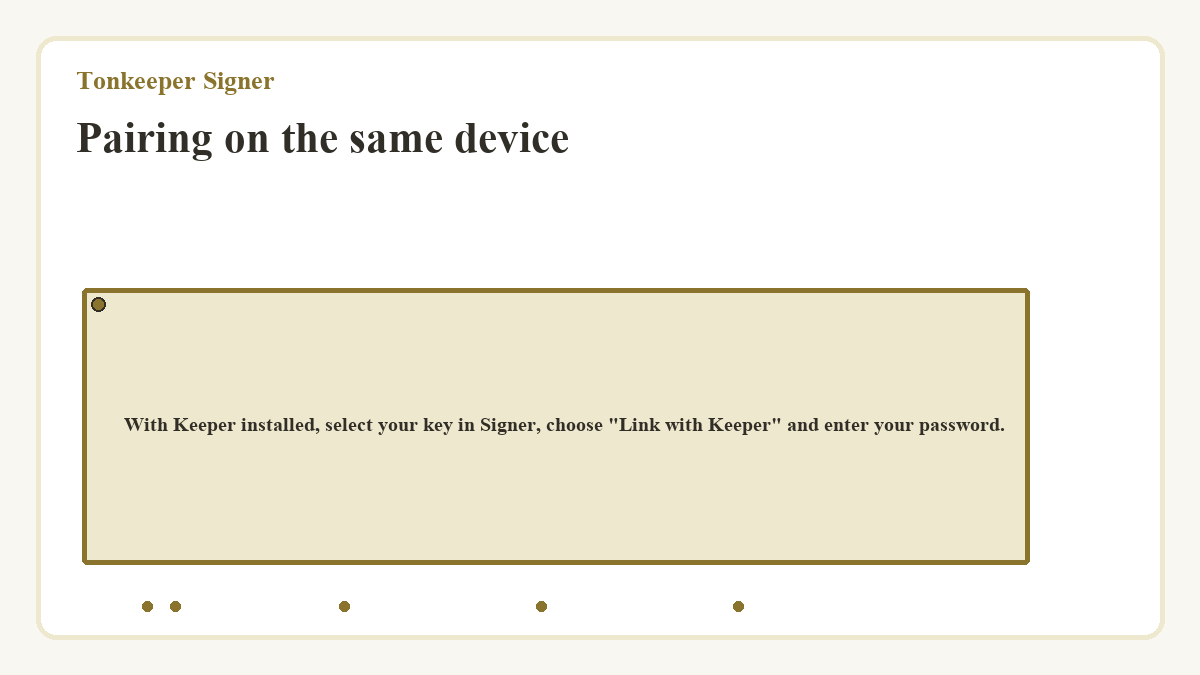
With Keeper installed, select your key in Signer, choose "Link with Keeper" and enter your password.
Pairing across separate devices
In Keeper, choose "Add Wallet" then "Pair with Signer" and scan the key's QR code from Signer.
Approval and network submission
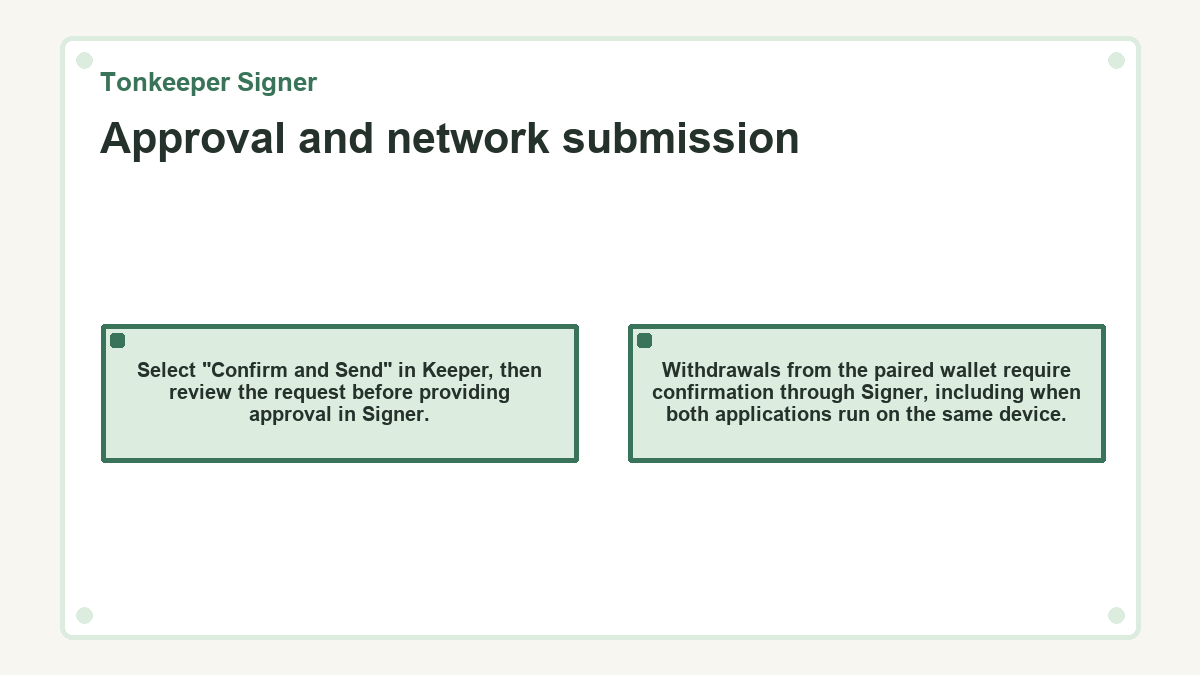
Select "Confirm and Send" in Keeper, then review the request before providing approval in Signer.
- On the same device
- Move Signer's approval slider and enter the password that you set for the key.
- On separate devices
- Scan Keeper's transaction QR code in Signer, use the approval slider and enter your password. Return to Keeper and scan the signed transaction QR code for network submission.
Withdrawals from the paired wallet require confirmation through Signer, including when both applications run on the same device.
When is my first transfer complete?
TON transactions require network confirmation and recording to complete. The Terms of use , updated February 12, 2025, also warn that blockchain transactions are irreversible.
A signed QR code before submission
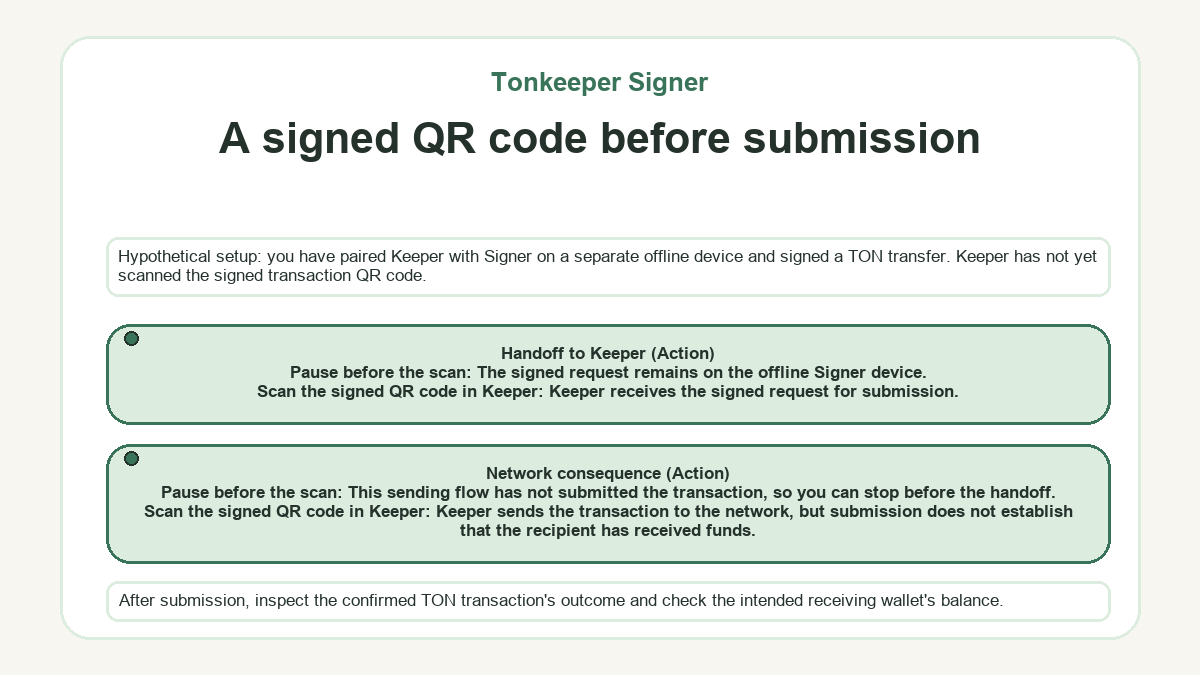
Hypothetical setup: you have paired Keeper with Signer on a separate offline device and signed a TON transfer. Keeper has not yet scanned the signed transaction QR code.
| Action | Handoff to Keeper | Network consequence |
|---|---|---|
| Pause before the scan | The signed request remains on the offline Signer device. | This sending flow has not submitted the transaction, so you can stop before the handoff. |
| Scan the signed QR code in Keeper | Keeper receives the signed request for submission. | Keeper sends the transaction to the network, but submission does not establish that the recipient has received funds. |
After submission, inspect the confirmed TON transaction's outcome and check the intended receiving wallet's balance.